
1. Summary
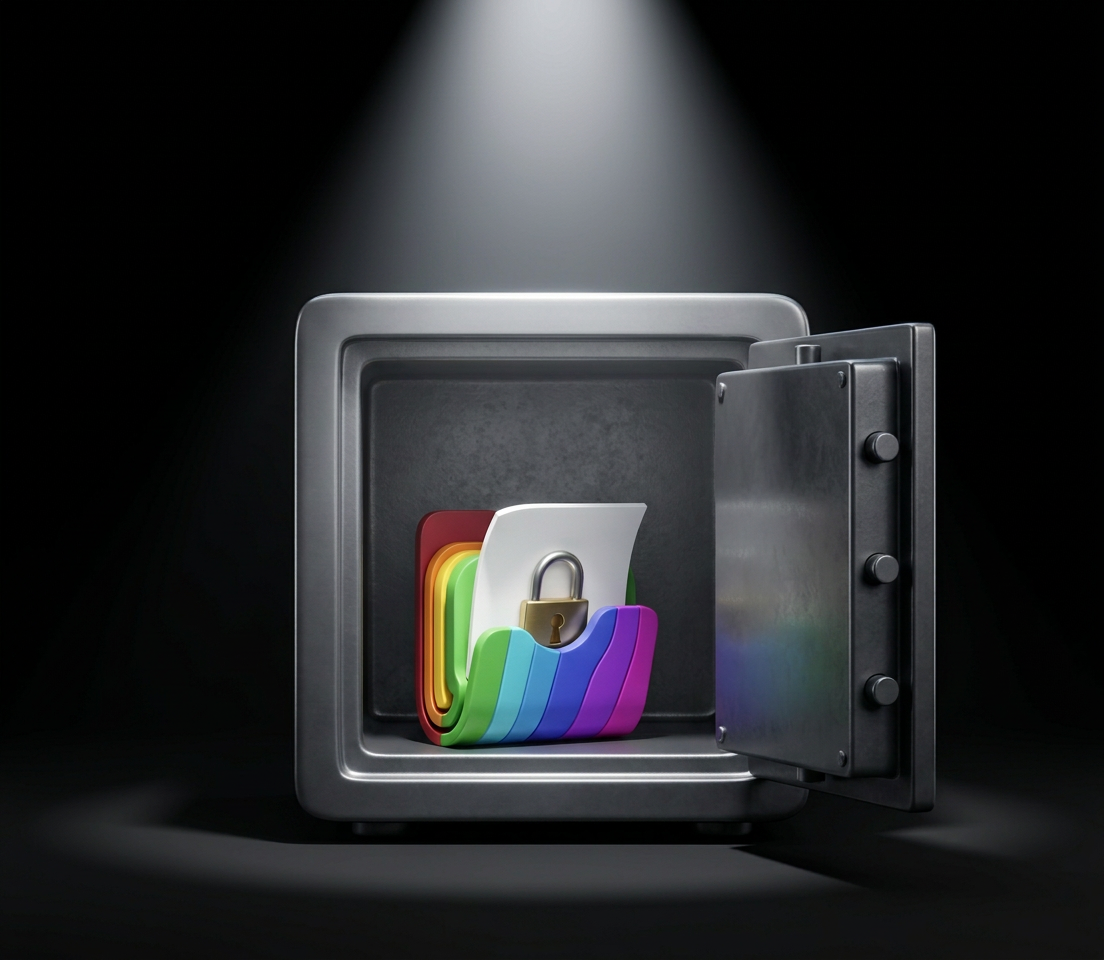
Our apps keep your information on your device. Droplet Creative does not and cannot collect it, see it, sell it or share it.
- No accounts. Our apps do not ask you to register, sign in or create a profile.
- No data collection. We do not collect personal information through our apps.
- No tracking or advertising. Our apps contain no advertising, no analytics and no tracking.
- No third-party code that sees your data. We do not build advertising networks, analytics services or social media tools into our apps.
- Built on Apple’s security. Where an app protects your data, it uses the encryption and security services built into Apple’s operating systems.
- You are in control. Files an app creates, such as backups and exports, go where you choose, and you decide who receives them.
2. Who we are and what this policy covers
Droplet Creative (“we”, “us”, “our”) publishes apps for Apple devices. You can reach us at support@dropletcreative.com or through www.dropletcreative.com.
This policy explains what happens to information when you use our apps on a Mac, iPhone or iPad. It covers:
- the information you enter into an app, such as text, numbers, dates, passwords, notes, photos and files;
- the files an app creates for you, such as databases, backups and exports;
- the limited information we may receive when you test or buy an app through Apple, or when you contact us.
This policy does not cover our website, which may have its own privacy practices, or the practices of Apple or any other company you deal with. Those are described in their own policies.
3. Information that stays on your device
Our apps are local apps. Everything you enter is stored on your device, and Droplet Creative has no access to it.
Your content. The records, text, images and files you create are saved on your device, in the app’s protected storage or in a location you choose. We never receive a copy.
App settings. An app stores your preferences, such as appearance, layout, sort order and window state, in your device’s standard preferences storage. These settings do not leave your device.
Recent files. To let you reopen files, an app may remember where they are. It does this with system bookmarks stored on your device, which give the app permission to reopen files you chose.
Safety copies. While saving, an app may keep automatic safety copies in its protected storage, so that a failed save cannot damage your data.
Saved keys and passwords. If an app offers to remember a password or key, it stores it in the Keychain on your device, using Apple’s security services. You can turn that option off in the app’s settings.
4. Permissions an app may ask for
An app can only use a feature of your device, such as your photos or camera, after Apple’s system asks you and you agree. An app asks only when you use a feature that needs it. You can change your answer at any time in System Settings on a Mac, or in Settings on an iPhone or iPad.
| Permission | Why an app might ask | What happens to the information |
|---|---|---|
| Files and folders | To open, save, back up or export a file you choose | The app reads or writes only the files you select. Nothing is sent to us |
| Photos | To attach or save a picture you choose | The app receives only the pictures you pick. They stay on your device |
| Camera | To capture a photo or scan something at your request | The image is used inside the app on your device. Nothing is sent to us |
| Face ID, Touch ID or Optic ID | To unlock an app or a saved key | Apple’s system checks you. The app learns only whether it succeeded and never receives your biometric data |
| Notifications | To show a reminder you set | Reminders are created and shown on your device. Nothing is sent to us |
An app asks for a permission only if it has a feature that needs it. If you decline, the rest of the app keeps working.
5. How we protect your information
- Information stays local. Because an app does not send your content to us or to anyone else, there is no copy on a server to be lost, leaked or demanded.
- Apple’s App Sandbox and system protections. Our apps run inside Apple’s security protections. On a Mac an app can reach only files you choose. On iPhone and iPad each app is kept apart from other apps.
- Apple’s encryption. Where an app encrypts your data, it uses the encryption and Keychain services built into Apple’s operating systems. It does not include encryption code of its own or from other companies.
- Your password and recovery key. Where an app protects your data with a password or recovery key, we do not know them, we do not keep a copy and we cannot reset them. If you lose them, nobody can open that data for you. Each app explains its own protection in its help.
No security system can promise absolute protection. Your protection also depends on your password, on keeping any recovery key safe and on the security of your device.
6. Information Droplet Creative receives
Our apps send us nothing. The only information we may receive comes from the following sources, and we use it only for the purpose described.
| Source | What we may receive | Why |
|---|---|---|
| Your emails to us | Your email address, your message and anything you attach | To answer your question or fix a problem |
| TestFlight (beta testing) | Your email address, the app version you test, crash reports and any feedback you choose to send through TestFlight | To run the beta and improve the app |
| App Store sales and analytics | Totals and trends, such as downloads and sales by country, provided by Apple. Apple does not give us your name or contact details | To understand how our apps are doing |
| Crash reports through Apple | Technical crash details, only if you have allowed Apple to share diagnostics with developers in your device settings | To find and fix bugs |
Crash reports do not include the contents of your data. If you contact us, please do not send passwords, recovery keys or your data files unless we ask for a specific file and explain why.
We keep support emails only as long as we need them to help you and to keep a record of the support we gave. We do not sell your information, and we do not use it for advertising.
7. Apple and other third parties
Apple. You get our apps through the App Store or TestFlight. Apple handles downloading, payment, updates and testing invitations under its own privacy policy, available at https://www.apple.com/legal/privacy/. Droplet Creative does not control how Apple handles your information.
No other third parties. Our apps do not include advertising networks, analytics services, social media tools or any other third-party software that could receive your information. We do not sell your information, rent it, or share it with any company for marketing.
Legal requests. Because we do not hold your content, we have nothing in it to provide if a legal request is made. If we are legally required to disclose the limited information described in part 6, we will do so only to the extent the law requires.
8. Exports, backups, sharing and device backups
Our apps let you move your information out. When you do, the information is under your control, and its safety depends on what you do with it.
- Backups and exports. An app saves them where you choose. Some are encrypted and some are not. An app tells you which, and asks you to confirm before it creates a file that anyone could read.
- Sharing. An app uses the standard sharing menu on your device. Where the data goes then depends on the service you choose, and we cannot control it.
- Clipboard. Text you copy may stay on your device’s clipboard and in any clipboard history tool you use.
- Device backups. Time Machine, iCloud Backup, iCloud Drive and similar services may copy an app’s files along with the rest of your device. Encrypted files remain encrypted in those copies. These copies are made by Apple or by you, not by us.
- Other apps. When you import a file from another app, our app reads it only to create content on your device.
9. Retention and deleting your data
Your data stays on your device for as long as you keep it. We do not hold a copy, so we cannot delete it for you, and you do not need to ask us to.
To delete your information:
- Your content: delete it in the app, or delete the file that holds it.
- An app’s stored data: delete the app. On iPhone and iPad this removes its stored data. On a Mac, removing the app may leave a data folder behind, so also delete that app’s folder in your Library under Containers.
- Remembered passwords and keys: turn off the remember option in the app’s settings before you delete the app, or delete the saved item in the Keychain.
- Backups and exports: delete the files you created, including copies on external drives and in cloud folders.
- Support emails: ask us at support@dropletcreative.com to delete correspondence we hold about you, and we will do so unless we need to keep it for a legal reason.
- TestFlight: stop testing in the TestFlight app to remove your participation.
10. Children’s privacy
Our apps are general-purpose tools and are not directed at children. We do not knowingly collect personal information from anyone, including children under 13, or under 16 where local law sets that age. If you believe a child has sent us personal information, such as in a support email, contact us at support@dropletcreative.com and we will delete it.
11. Your rights and choices
Because our apps keep your content only on your device, you already control it: you can view, change, export and delete it at any time inside the app.
For the limited information we may hold, such as support emails (see part 6), you may have rights under the laws where you live. Depending on your location these can include the right to know what we hold about you, to have it corrected or deleted, to receive a copy, to object to or restrict its use, and to complain to a data protection authority. This applies, for example, to residents of the European Economic Area, the United Kingdom, California and other regions with privacy laws.
To use any of these rights, email support@dropletcreative.com. We may need to confirm your identity before we act, and we will respond within the time the law requires.
We do not sell or share personal information as those terms are defined in California law, and we do not use it for targeted advertising or automated decision-making. We do not discriminate against anyone for using these rights.
If you are in the European Economic Area or the United Kingdom: the information we may hold about you is used on the basis of our legitimate interest in answering your request, or your consent where you send us feedback. We do not transfer your app data anywhere, because we do not receive it.
12. App-specific details
This table lists details that differ between our apps. If an app does anything beyond what this policy describes, it is listed here before the app ships.
| App | Platforms | Details |
|---|---|---|
| Personal Serial Database | macOS | Stores records in one encrypted file on your Mac, protected by your password and a recovery key. Has no network access. Can remember its key in the macOS Keychain if you turn that on |
13. Changes to this policy
We may update this policy when our apps or the law change. The effective date at the top shows when it last changed. If we ever change an app in a way that would collect personal information or send your data off your device, we will update this policy and tell you in the app, such as in its Changelog, before the change takes effect. Using our apps after an update means you accept the updated policy.
14. Contact
Droplet Creative
Email: support@dropletcreative.com
Website: www.dropletcreative.com
Questions about this policy, your information or an app’s security are welcome at any time.